documentation
Register and Log In Process
📌 First of all, you need to register in Inverbis. Contact the administrator to access the registry.
Once you have access:
- Click on the registration link for new users.
- You will see a new window where you must fill in the registration fields.
- Press the “I’m not a robot” button.
- Click on the register button.
- You will receive an email verification message to your email address. Click the link on this email to verify your account. Once it has been verified, login will be enabled.
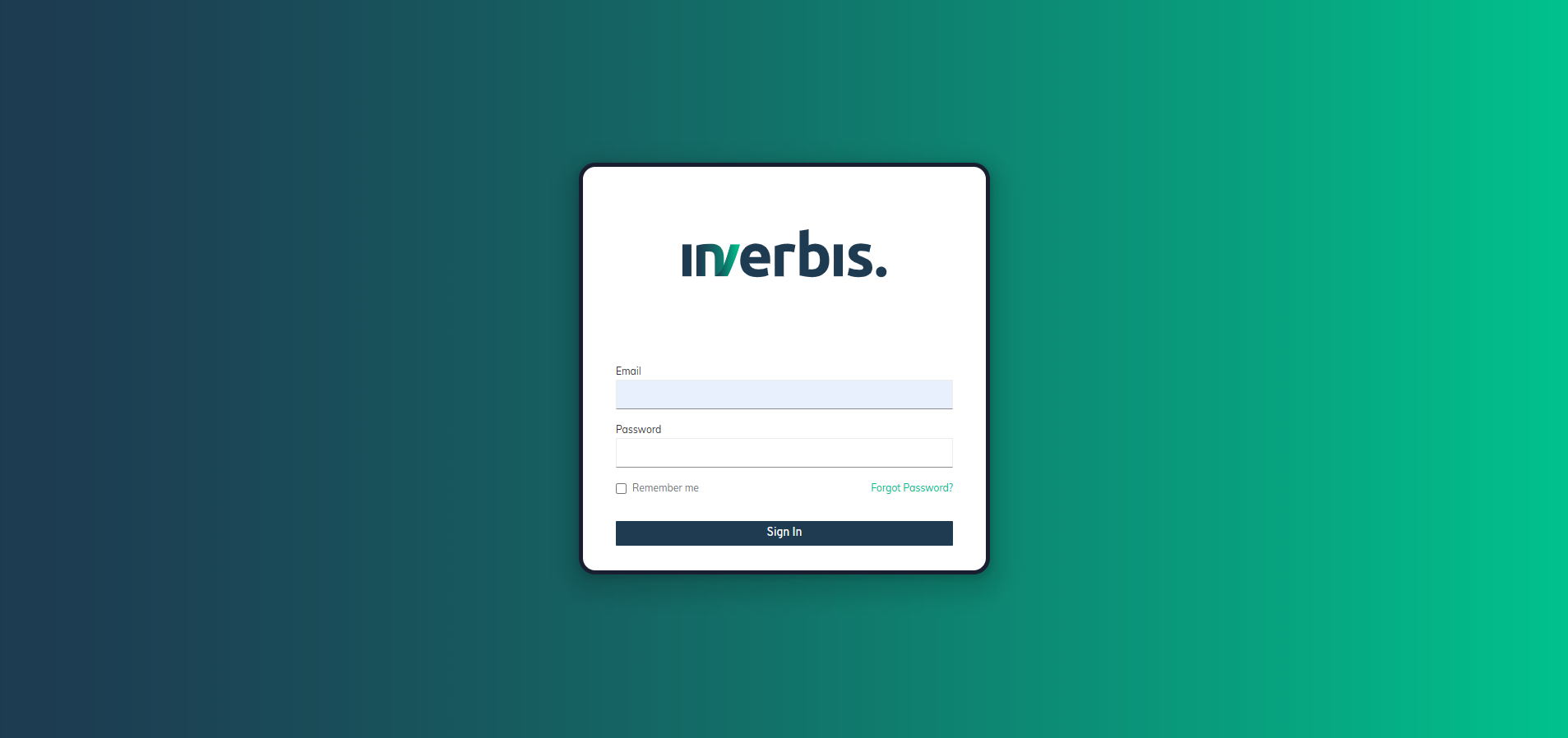
- From now on, you will be able to access by entering your email address and password.
If you don’t remember your password, click on the ‘Forgot Password’ button and enter your email.